Visual FAQ
Solar panels
Can I split my SolarSaga 500X into smaller groups?
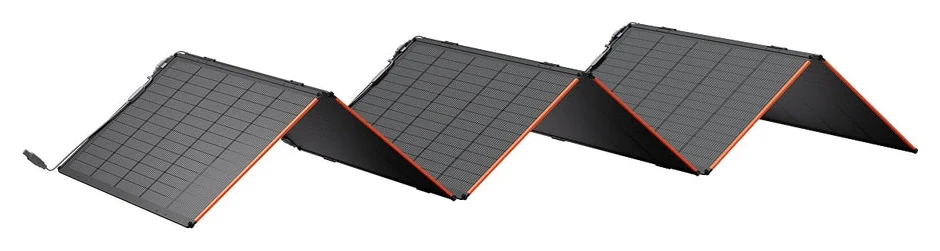
Yes. My 500X unfolds into six detachable 85 W sections. I can use a smaller group when I have less space. Within a set, the sections connect in parallel. If I want two separate groups charging two stations at the same time, each group needs its own compatible charging cable. The kit comes with one.
Jackery’s 500X kit contents · Find the cable for a second group
Can one section charge my Explorer 600 v2?
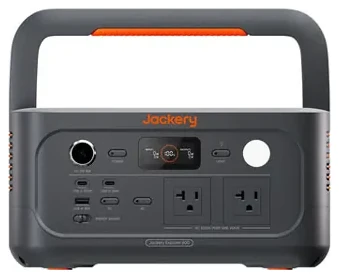
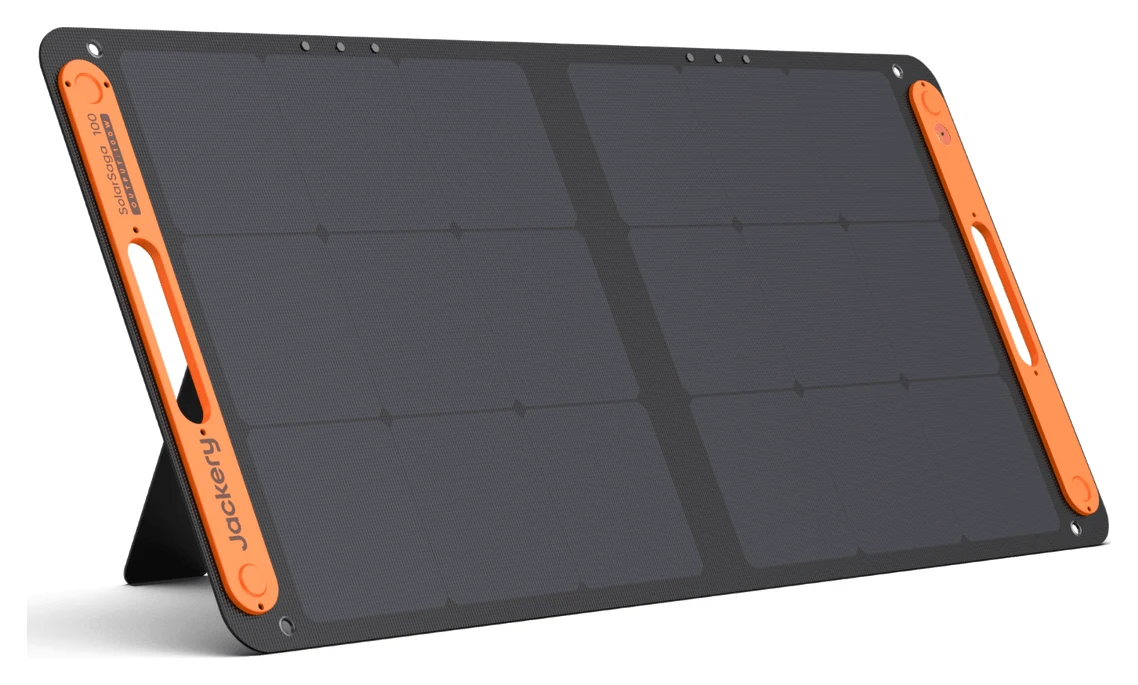
My 100 W panel is the one I keep for the 600. I’d ask Jackery to confirm the exact 500X section and cable pairing before using it. Fewer parallel sections reduce the available current while the voltage stays about the same. A matching plug alone doesn’t establish compatibility.
Can the station stay inside while the panels are in the sun?
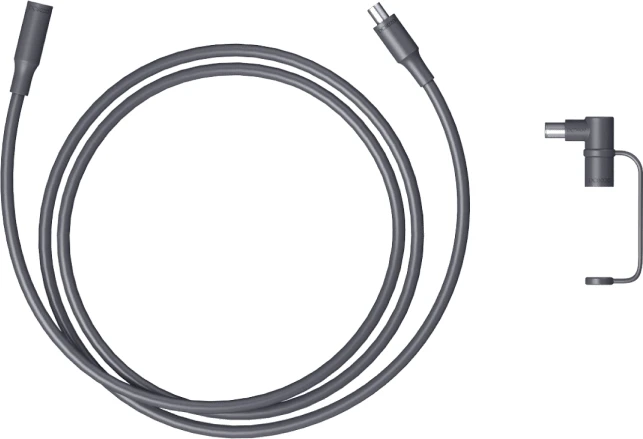
That’s why I bought two 30-foot solar extension cables. I can put the panels where the daylight is useful and keep the station where I need its outlets. The photo shows a shorter example. Check which cable and length the manufacturer supports for your setup, and choose a route that keeps the cable clear of foot traffic and pinching.
Cables & plugs
Which end is Anderson, and which is DC8020?
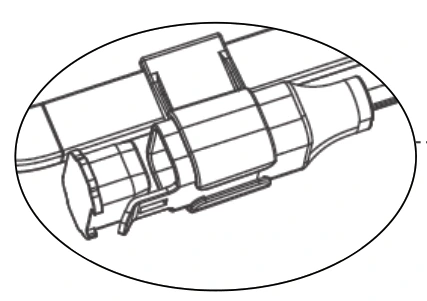
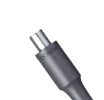
Look at the two ends separately. On the 500X, the keyed Anderson connection is at the solar section. The round DC8020 plug goes into a compatible station’s solar input. If you’re asking about a different model, include the full model name and photos of both ends.
Anderson detail in the 500X manual · DC8020 photo from Jackery
What do I ask for if I want to charge a second station?
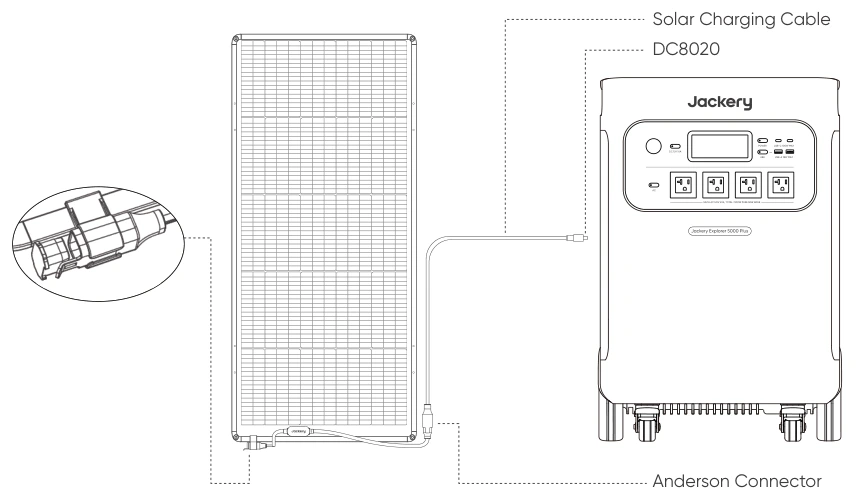
Ask Jackery support for the SolarSaga 500X Anderson-to-DC8020 solar charging cable for a separate group of sections. Give them the exact station model, the number of sections you want on that run, and a photo of your existing cable ends. Jackery handles some solar charging cables through support. Have your order number handy so they can identify the part and confirm the pairing before you buy.
Jackery’s accessory request instructions · See the illustrated connection
Does a solar extension cable do the same job as the charging cable?
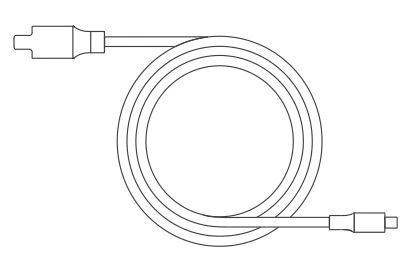
The charging cable joins the 500X panel group to the station. A compatible DC extension adds reach to that run. If the panels need to sit farther away, look at the extension. If you want a second independent group feeding another station, ask about another charging cable.
Around the house
I have one station. What should I plug in first?
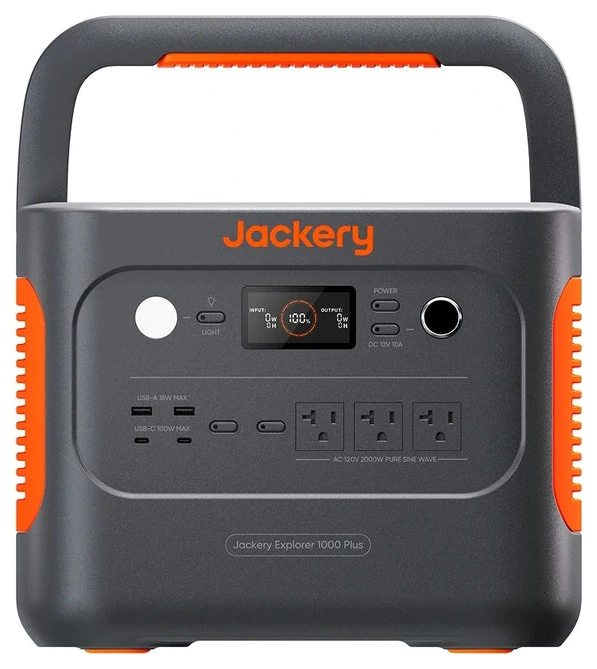
I started with the fridge. During a later outage I plugged the office into my bigger station too, almost out of habit. By the next day I knew which device I could unplug first: the printer. Pick the job you’d miss most tomorrow, and give it first claim on the battery.
Why carry a small power bank if I have a big station?
I can take a 100D to the couch to charge my phone or the removable pack for a heated blanket. The larger station stays with the office or fridge. When the little unit needs a refill, I bring it back to the bigger one.
How do I keep a room lit without using the station?
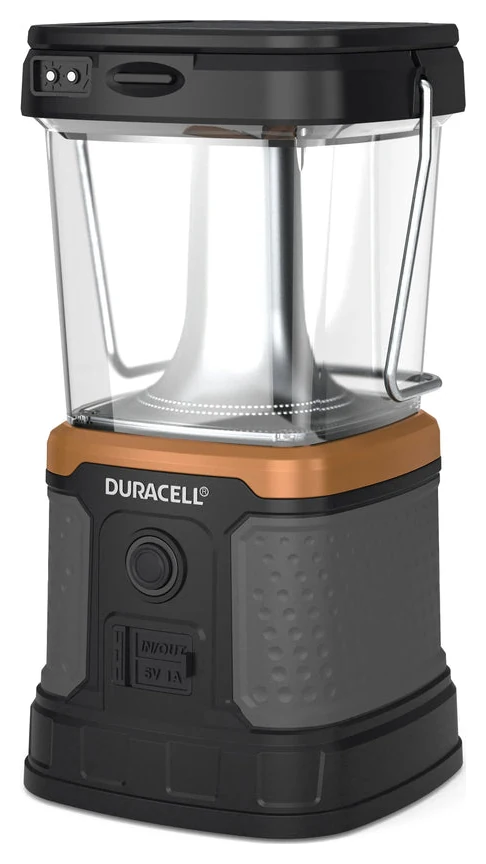
I keep four lanterns ready. I carry one into the kitchen to make dinner and take it back to the living room when I’m done. That leaves a station outlet free and puts the light exactly where I’m sitting.
Day two+
What if tomorrow is cloudy?
Here in the Pacific Northwest, our outages usually come in winter. That’s exactly when I’m most likely to have clouds or rain overhead. It’s a big reason I bought two SolarSaga 500X sets.
Two sets give me more panel area to put to work when the sky brightens. A 500 W rating tells me what a set can deliver under rated conditions. It doesn’t tell me how much charge I’ll get on a gray November afternoon.
In the morning I plan around the charge I already have. If the clouds break, I can put a spare station on solar while another keeps the office going. Before dinner I check how much charge actually came back. That’s when I decide whether to use the extra monitor or save that energy for tomorrow.
Why a second station instead of an extra battery?
I had two jobs in mind. I wanted the desktop to stay on through a power flicker, and I wanted power I could carry somewhere else without unplugging the desk.
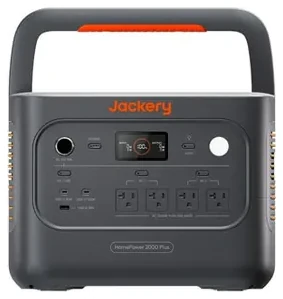
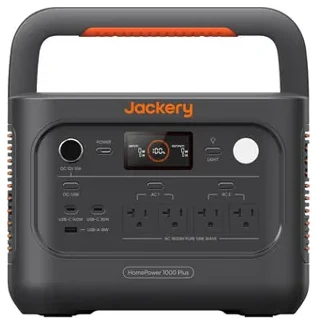
What the second inverter buys me
An inverter turns stored battery energy into AC power for ordinary outlets. Each complete station has its own inverter. I can leave one at my desk and use the spare in another room, or swap them when a station needs to recharge.
What the desk station does every day
My 2000 Plus v2 serves as an uninterruptible power supply (UPS). The station is plugged into the wall, and my desktop and monitors are plugged into the station. When the grid drops, it switches those outlets to battery power automatically. Check the model’s UPS support and transfer time for the equipment you want to keep on.
A compatible expansion battery gives the station more stored energy, so that same desk can run longer. The pack relies on its host station for AC output and switchover. I chose a second complete unit because I wanted independent backup in a second location as well.
Why can a short coffee brew be too much for a station?
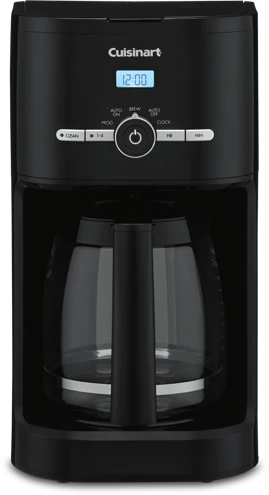
Suppose the brewer you’re looking at lists 1,500 watts as its rated power. That’s the number to budget for while the heating element is on. The pictured Cuisinart is a different example at 1,025 W. Check the label on your own brewer.
While the water heats
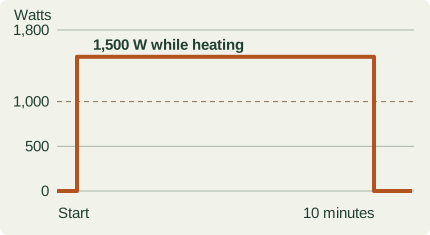
Trace the orange line across the brew. My Explorer 600 v2 can supply 500 W continuously. Its dashed 1,000 W surge limit is only for a brief peak. A heater asking for 1,500 W for minutes exceeds both limits. Even a 900 W heater would exceed the continuous limit once the brief surge window passed.
The HomePower 1000 Plus v2 supplies 1,800 W continuously. A 1,500 W brewer on its own fits, leaving 300 W of rated headroom for everything else on AC. Ten minutes at that steady draw would use about 250 Wh at the outlet. That tells me how much coffee costs my battery after I know the station can brew it.
When a motor starts
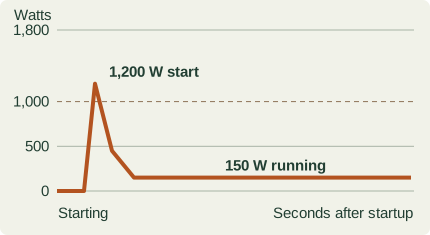
Follow the orange line again. A fridge compressor might run comfortably at 150 W but briefly ask for 1,200 W to start. In this example the 600 could handle the running load, yet its 1,000 W peak is too low to start the motor. That’s when surge can rule out a smaller station. Check the appliance’s starting requirement and how long the station can supply it.
Open the illustrated coffee-maker guide and calculator · Cuisinart label · 600 v2 manual · 1000 Plus v2 ratings